
 By:
By: The last conference you attended probably handed you a printed program. Twenty pages, maybe thirty. Full color. Spiral bound or saddle-stitched. It had the schedule, speaker bios, sponsor logos, and a venue map.
You flipped through it once. Then you stuffed it in your bag. By the afternoon session you were checking the event app or asking someone "What room is the 2pm talk in?" because pulling out the program felt like too much work.
That printed program cost the organizer somewhere between $3 and $8 per copy. For a 500-person conference, that's $1,500 to $4,000 in printing alone, not counting design time, shipping, or the inevitable reprint when the keynote speaker changed their session title two days before the event.
The shift to digital event programs isn't just a trend. It's a response to a simple reality: the printed program stopped being the most useful version of itself a long time ago.
Why Are Event Programs Moving Digital?
Three forces are pushing this change at the same time, and together they make a strong case.
Cost Pressure
Events are expensive. Venue, catering, AV, speakers, marketing. The program is a line item that can shrink dramatically without reducing quality. A digital program eliminates printing costs entirely. For multi-day conferences or recurring events, the annual savings add up to thousands of dollars that can go toward better speakers, better food, or just a healthier margin.
According to PCMA's Convene survey data, event budgets are under more scrutiny than ever, and organizers are looking for places to cut without cutting the experience. Print programs are an obvious target because the digital alternative is often better, not just cheaper.
Last-Minute Changes
Events are chaotic. Speakers cancel. Rooms change. Sessions get rescheduled. Sponsors confirm late.
With print, any change after the program goes to the printer means errata sheets, announcement slides, or just hoping attendees figure it out. With digital, you update the file and every link in the world points to the corrected version. That speaker who canceled at 6am? By 8am, the program reflects the replacement and nobody's confused.
Attendee Behavior
People have their phones out constantly at events. They're checking the schedule, messaging colleagues, posting on social media, scanning QR codes at booths. A digital program lives where their attention already is.
The smartphone replaced the program booklet the same way it replaced the paper map, the phone book, and the boarding pass. Gradually, then all at once.
What Makes a Good Digital Event Program?
A digital event program isn't just a PDF on a phone. At least, it shouldn't be. A PDF on a phone is a miserable reading experience: tiny text, constant pinch-zooming, no navigation.
A good digital program is built for the device people will actually use to read it.
Clear Navigation
Attendees need to find information fast. "What's happening right now?" and "Where is Room B?" are the two most common questions at any event. Your digital program needs to answer both within seconds.
A clickable table of contents at the front lets people jump directly to the schedule, the venue map, or the speaker list. No scrolling through 20 pages to find the afternoon sessions.
Mobile-First Design
Design for a phone screen first, then worry about how it looks on a laptop. Most attendees will view the program on their phone while standing in a hallway or sitting in a session. Text needs to be readable without zooming. Buttons need to be tappable with a thumb. The layout should be vertical, not horizontal.
Schedule That's Easy to Scan
A wall of text with times, titles, speakers, and room numbers all mashed together is hard to parse. Break the schedule into clear time blocks. Use visual hierarchy so the session title is the biggest element, the time is prominent, and the room number is easy to find.
Color coding by track helps attendees with multi-track events. "All the marketing sessions are blue, all the technical sessions are green." Simple and immediate.
Venue Map
Physical wayfinding at events is a bigger pain point than most organizers realize. A venue map in the digital program, ideally with clickable room labels that link to the sessions happening there, saves attendees from wandering the halls looking for "Ballroom C."
Sponsor Visibility
Sponsors pay for visibility. A digital program can deliver more of it than print. Clickable logos that link to the sponsor's website or booth location. Full-page sponsor features with video. Interactive elements that print simply can't offer.
This actually makes digital programs easier to sell to sponsors, not harder. You can show them click-through data proving people engaged with their placement. Try doing that with a printed logo on page 14.
How to Create a Digital Event Program
You don't need to start from scratch. If you already have a program designed for print, you're most of the way there.
Step 1: Design Your Program (or Adapt Your Existing One)
If you have a print-ready PDF, that's your starting point. You can convert it directly into a digital flipbook. The layout, graphics, and content all carry over.
If you're designing from scratch, keep mobile in mind. Wider margins than you'd use for print. Larger text. More whitespace. What looks spacious on an 8.5x11 page looks cramped on a phone screen.
Tools like Canva, InDesign, or Google Slides all export to PDF. Use whatever your team is comfortable with. The design tool doesn't matter as much as the output format.
Step 2: Convert to a Digital Flipbook
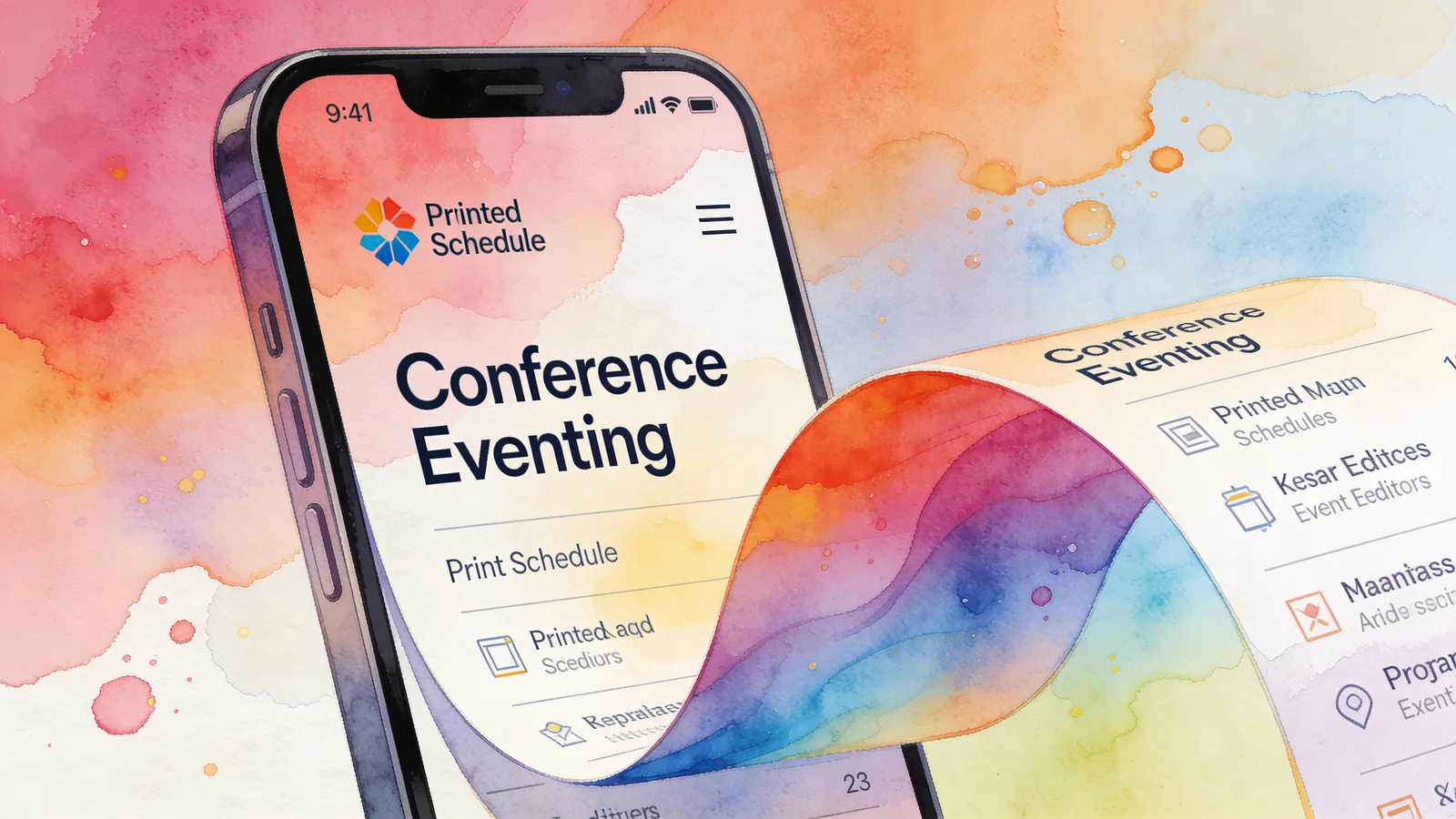
Upload your PDF to a flipbook platform. Flipbooker converts it into an interactive flipbook with page-turn animations, clickable links, and mobile-responsive viewing.
This step takes about two minutes. Upload, wait for conversion, preview. The platform handles the technical work of making your static PDF into something that works well on any device.
Step 3: Add Interactive Elements
This is where digital pulls ahead of print. Go back through the program and add:
- Clickable links on speaker names that go to their LinkedIn profiles or personal sites
- Clickable links on sponsor logos that go to their websites or booth locations
- Links on schedule entries that go to session detail pages or video call links for hybrid events
- Email links on contact information so attendees can tap to send a message
- URL links on any resource mentioned in the program
Each interactive element makes the program more useful than its printed equivalent. And every click is tracked, so you know what attendees actually engage with.
You can do this in Flipbooker's editor by selecting elements on each page and adding link overlays.
Step 4: Test on a Real Phone
Open the program on your phone. Actually use it. Try to find the afternoon schedule. Try to find a specific speaker. Try to get to the venue map from the schedule page.
If anything feels slow, confusing, or requires zooming, fix it before publishing. The testing step catches problems that look fine on a desktop but break on mobile.
Step 5: Publish and Get Your Links
Publish the program and grab your sharing links. You'll need:
- A direct URL for email distribution
- An embed code for your event website
- A QR code for printed signage at the venue
- Social sharing links for promotion
One flipbook generates all of these from the same source. Update the content once and every link reflects the change.
How to Distribute the Program at Your Event
Creating the program is half the job. Getting it into attendees' hands is the other half.
Before the Event
Confirmation emails. Include the program link in every registration confirmation and reminder email. People like to plan ahead. A link to the program a week before the event lets them build their personal schedule.
Event website. Embed the program directly on your event's website. Visitors can flip through it without downloading anything. This also helps with SEO, because the program content becomes part of your site.
Social media. Share the link with a preview of the schedule or a highlight of the keynote speaker. The visual preview pulls people in.
At the Event
QR codes everywhere. Print QR codes on registration desk signage, room entrance signs, badge lanyards, and table tents. Make scanning the program as easy as possible. Every physical sign should include the QR code.
Welcome email. Send a "welcome to the event" email on day one with the program link front and center. Attendees check their email at events. Put the link where they'll find it.
Big screen display. Put the QR code on the big screen during breaks between sessions. A room full of people with nothing to do for five minutes and a QR code on the screen in front of them is a strong distribution moment.
Registration desk handout. A small card with the QR code and a one-line instruction: "Scan for the full event program." This replaces the printed program for most attendees and costs pennies per card instead of dollars per program.
After the Event
The program doesn't die when the event ends. Update it with:
- Links to session recordings
- Post-event survey links
- Speaker slide decks
- Photo galleries
- Next event dates and early-bird registration
Now your program is a post-event resource that keeps working. Send the updated link in your follow-up email. People come back to it for speaker contact info, session notes, and resources they meant to check during the event but didn't get to.
Tracking What Attendees Care About
This is something print programs literally cannot do.
With a digital program, you see which pages get the most views and the most time. That data tells you about your audience:
- Most-viewed schedule blocks tell you which sessions generated the most interest
- Speaker bio page views tell you which speakers drew the most curiosity
- Venue map views tell you if wayfinding is a pain point at your venue
- Sponsor page engagement tells you (and your sponsors) whether their placement worked
"We used to guess which sessions were popular based on room headcounts," one event planner told Bizzabo's event impact blog. "Now we know before the session even starts, because we can see 300 people looked at that page in the program."
That data shapes future events. You book bigger rooms for popular topics. You invest in speakers who generate engagement. You show sponsors actual numbers instead of estimates. And you stop spending money on program sections nobody reads.
Common Concerns (And Honest Answers)
"What about attendees without smartphones?"
At most professional events, smartphone penetration is effectively 100%. For community events or events serving older demographics, keep a small stack of printed programs at the registration desk. Digital-first doesn't mean digital-only.
"Won't people miss the physical program?"
Some will. A physical program has a tactile quality that a screen doesn't replicate, and some people genuinely prefer paper. But the number of people who prefer print shrinks every year, and the advantages of digital (instant updates, tracking, zero distribution cost, interactive elements) outweigh nostalgia for most organizers.
"Is this just cheaper, or is it actually better?"
Both. It's cheaper because you're not printing. It's better because you can update it in real time, add interactive elements, track engagement, and distribute it instantly to every attendee. Cheaper and better don't always go together. This is one of the times they do.
"What about hybrid events?"
Digital programs are actually ideal for hybrid events. In-person attendees access the same program as remote attendees. You can include virtual session links right in the schedule. One program serves both audiences without any modification.
Getting Started
If you're planning an event and still debating print vs digital for the program, try this: go digital for the next one and keep a small batch of printed programs as backup. See what happens.
Most organizers who make the switch don't go back. The cost savings are real. The flexibility is real. And knowing exactly what your attendees engaged with changes how you plan the next event.
Flipbooker's event tools convert your program PDF into a mobile-friendly flipbook with built-in analytics, QR code generation, and website embedding. Upload your PDF and you'll have a shareable digital program in minutes.
The printed program had a good run. But the phone in every attendee's pocket is a better delivery system, and it's time to meet people where they already are.
FAQs
How much does it cost to create a digital event program?
The design cost is the same whether you go print or digital. The difference is distribution. Printing 500 programs runs $1,500-$4,000. A digital flipbook costs your monthly platform fee, which is typically $8-$50. For recurring events, the savings compound quickly.
What if my venue has bad WiFi?
This is a real concern. Two solutions: work with the venue to ensure adequate bandwidth, or use a platform that loads pages progressively so the full program doesn't need to download at once. You can also share the link before the event so attendees load it on their own network.
Can I update the program after publishing?
Yes, and this is one of the biggest advantages over print. Speaker cancellation? Room change? Schedule shift? Update the digital program and every attendee sees the change instantly. No reprinting, no errata sheets, no confusion.
Do older attendees struggle with digital programs?
Less than you'd think. A digital program opens in a web browser, the same way any website does. There's no app to install and no account to create. If someone can use a smartphone, they can view a digital program.
Should I still print some programs as a backup?
For large conferences, printing a small batch (10-15% of attendance) for the registration desk is smart. Some people prefer paper, and a few won't have charged phones. But make the digital version the primary distribution method.