
 By:
By: There are two camps in marketing. One says gate everything. Capture every email. Build the list at all costs. The other says free everything. Trust breeds loyalty. The leads will come.
Both are wrong. Sort of.
The gating debate has been raging since the first marketer slapped a form on a PDF. And it keeps going because neither extreme works well on its own. As one user on Warrior Forum put it: "I know that my customers/readers are not concerned about my position in Google, but it would also be great to get seen by new customers when they look up certain terms." That tension between reach and lead capture is exactly why this debate never dies.
You want reach AND leads. Gating gives you leads but kills reach. Free access gives you reach but no leads.
So what do you actually do?
What Is Content Gating, Really?
Content gating means putting a form between your content and the reader. Usually just an email field. Sometimes name, company, job title. The reader fills it out, gets the content. You get a lead.
Simple enough.
The problem is that gating has gotten lazy. Marketers gate everything because it's easy to measure. Download = lead. Lead = pipeline. Pipeline = job security. But research from Cognism found that ungated content can be 26% more engaging than gated content. And gated web pages can't be crawled by search engines, which means you're invisible to anyone searching for what you wrote about.
That's a steep price for an email address.
When Should You Gate Your Content?
Not all content deserves to be gated. But some absolutely should be. Gate your content when:
The content took serious effort to create. Original research, survey data from hundreds of respondents, detailed templates you built and tested. If you spent weeks on it, an email is a fair trade. Nobody expects original data for free.
The reader is already interested. Someone who clicked through three pages of your site and landed on your pricing comparison sheet is not a casual browser. They're researching. A form at this point feels reasonable because they want the thing behind it.
The content solves a specific, urgent problem. A generic "Guide to Marketing" is not worth an email. But "47 Sales Email Templates You Can Use Today" is worth it because the value is immediate and concrete. People pay for shortcuts. An email is barely a cost.
You're targeting bottom-of-funnel buyers. Product comparisons, ROI calculators, implementation guides. These people are close to a decision. They expect to give some information in exchange for useful evaluations.
When Does Free Access Win?
Keep it free when:
It's educational, top-of-funnel content. Blog posts, explainer articles, how-to guides. These build awareness. Gate them and Google can't index them. That means zero organic traffic from that content, forever.
You're building trust with a new audience. Nobody gives their email to a stranger. Your first interaction with most readers should be generous. Teach them something. Impress them. Then ask for the email on the second or third touchpoint.
The content answers common questions. If someone searches "what is content gating" and hits your form, they'll bounce. They can find that answer in ten other places that don't require an email. Your gate only works when you have something the reader can't easily get elsewhere.
You want SEO visibility. Hushly's 2024 research confirms that gated content is invisible to search crawlers. If organic traffic matters to your strategy, keep your awareness content open and indexable.
The Middle Ground: Partial Gating
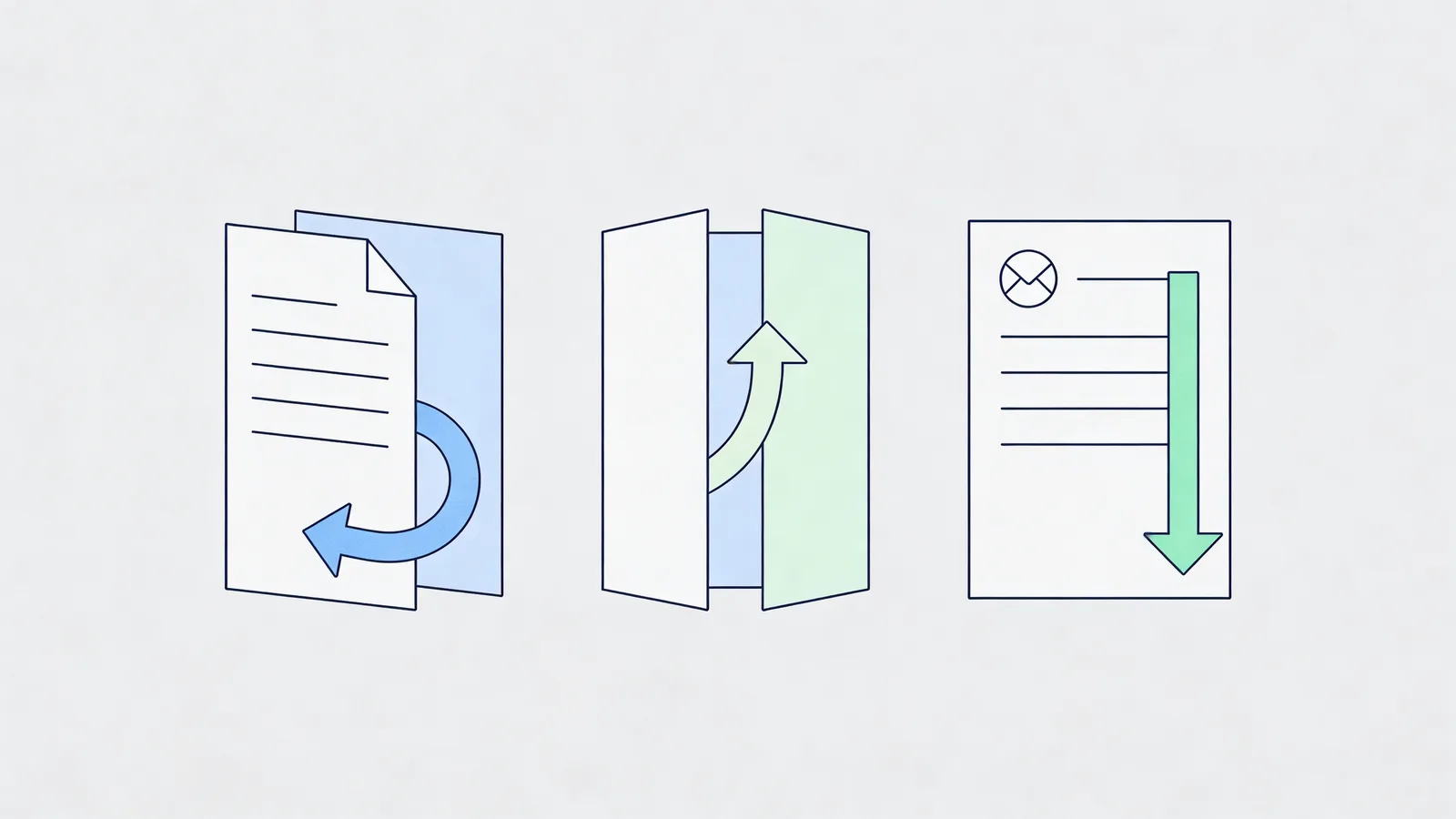
This is where things get interesting. Partial gating means you show part of the content for free and gate the rest. And it works better than either extreme for most businesses.
The reader gets to judge your content quality before deciding if the rest is worth their email. You get SEO value from the ungated portion. And the people who do fill out the form are more qualified because they already know what they're getting.
How Does Partial Gating Work in Practice?
The preview method. Show the first 30-40% of a report or guide. Include enough data points and insights that the reader can see the depth. Then gate the rest. This is how most academic publishers and news sites work, and they've been doing it profitably for years.
The chapter method. In a flipbook or long-form document, leave the first few chapters open. Gate the later, more tactical chapters. A reader who got value from chapters one through three will happily enter an email for chapters four through eight. Flipbooker's lead generation feature lets you set exactly which page triggers the email gate, so you control how much preview the reader gets.
The bonus method. Give away the full core content. Gate the bonus materials: templates, checklists, worksheets, data sets. The core content builds trust and SEO. The bonus captures emails from people who want to take action on what they learned. This works especially well when the bonus is genuinely useful and not just the same content reformatted.
For a deeper look at execution tactics, our lead generation guide covers form placement, field count, and timing in detail.
What Does the Data Actually Say?
The numbers on gating are messy. Every study uses different definitions and different audiences. But some patterns hold up.
TBH Creative's 2025 analysis found that gated content should be reserved for content that answers questions buyers have during the decision stage. Awareness-stage content should stay free.
IMPACT's ongoing research shows that companies who switched from gating everything to selective gating saw better lead quality, even if total lead volume dropped. Fewer leads. But the ones who came through actually bought things.
And here's the stat that matters most: more than half of people who download gated content immediately unsubscribe from follow-up emails. That means your gate captured an email, but not a relationship. If you're gating content just to inflate your list size, you're collecting addresses that will never convert.
A Decision Framework You Can Actually Use
Stop asking "should I gate this?" Start asking these three questions:
1. Can the reader get this information elsewhere for free? If yes, don't gate it. You're not offering enough value to justify the exchange. Your gate will just send them to your competitor's ungated version.
2. Is this person ready to give me their email? Consider where they are in their journey. First-time visitor from a Google search? Not ready. Repeat visitor who's read five of your articles? Probably ready. Match the ask to the relationship.
3. What will I do with the email after I get it? If the answer is "add them to a generic nurture sequence," your gate is a waste of everyone's time. Have a plan. Know what you'll send next. Make the post-gate experience as good as the pre-gate content.
Setting Up Partial Gating for Documents
If you're publishing reports, catalogs, guides, or any longer content as flipbooks, partial gating is straightforward. You set a page trigger. Readers browse freely up to that page, then see an email form to continue.
The key is choosing the right trigger page. Too early and you haven't built enough trust. Too late and most readers already got what they needed. Somewhere around the 30-40% mark tends to work best.
Our lead generation guide walks through the full setup, including form design and what happens after someone enters their email.
Where This Leaves You
Gating isn't dead. Free access isn't the answer to everything. The marketers getting the best results are the ones who treat gating like a tool, not a religion. They give away their awareness content for reach and SEO. They gate their best stuff for leads and qualification. And they use partial gating for everything in between.
Pick the approach that matches each piece of content. Not one rule for everything.
FAQs
Does gating content hurt my conversion rates?
It depends on what you're gating. Gate generic blog posts and people bounce. Gate original research or templates that took real effort to create, and conversion rates of 15-30% are common. The content has to justify the ask.
Will people get annoyed if I gate my content?
Some will. Research from Content Marketing Institute shows 71% of B2B buyers have been disappointed by gated content. But that's a quality problem, not a gating problem. If what's behind the gate is genuinely worth their email, most people understand the trade.
What is partial gating and does it actually work?
Partial gating means showing part of the content for free and gating the rest. It works because readers can judge the quality before deciding. Think of it like a book preview on Amazon. You see enough to know if you want the rest.
Should I gate top-of-funnel or bottom-of-funnel content?
Bottom-of-funnel almost always. People at the top of the funnel don't know you yet and won't trade their email for content from a stranger. People closer to a buying decision are more willing because they're actively researching.
How many form fields should I use on a content gate?
For most content, just email. Every extra field reduces completions by 10-20%. Only add more fields for high-value bottom-funnel content like product comparisons or ROI calculators where the reader is already invested.