
 By:
By: Converting Training PDFs to Interactive Modules
You've got a folder full of training PDFs. Maybe dozens. Safety procedures, onboarding guides, product knowledge decks, compliance manuals. They took months to create.
Nobody reads them.
That's the frustrating part. The content is solid. The information is accurate and important. But static PDFs don't hold attention, and you can't tell whether anyone made it past page four. So the training exists in theory but not in practice.
The good news: you don't need to start over. You don't need an expensive LMS or a team of instructional designers. You can take those PDFs you already have and turn them into interactive training modules that people actually engage with.
This guide walks through the process, step by step, from a plain PDF to something that tracks completion and keeps people clicking.
Why Do Static Training PDFs Fail?
Before fixing the problem, it helps to understand it.
Material you can click through tends to hold people better than material you can only scroll. That shouldn't surprise anyone who's tried to read a 47-page safety manual on their laptop while also responding to Slack messages.
Static PDFs fail for a few specific reasons:
- No navigation. Scrolling through pages with no way to jump between sections is tedious. People give up.
- No feedback loop. There's nothing to click, answer, or respond to. Reading becomes passive, and passive reading becomes skimming, and skimming becomes closing the tab.
- No accountability. You email a PDF. Maybe they opened it. Maybe they didn't. You'll never know, and neither will your compliance auditor.
- No multimedia. A training video would help explain the procedure, but you can't embed a video in a PDF. So you write "see attached video" and hope they find it.
The format itself is hostile to learning. And yet most organizations still use it because the content already exists and nobody has time to rebuild everything from scratch.
So don't rebuild. Transform.
What Does "Interactive" Actually Mean?
When people say "interactive training module," they sometimes picture expensive custom eLearning with branching scenarios and animated characters. That's one version. But you don't need all that.
Interactive, at its most useful, means the learner does something besides scroll. They click a link to a deeper resource. They watch a short video that demonstrates a procedure. They answer a question that checks their understanding. They navigate to the section that's relevant to their role.
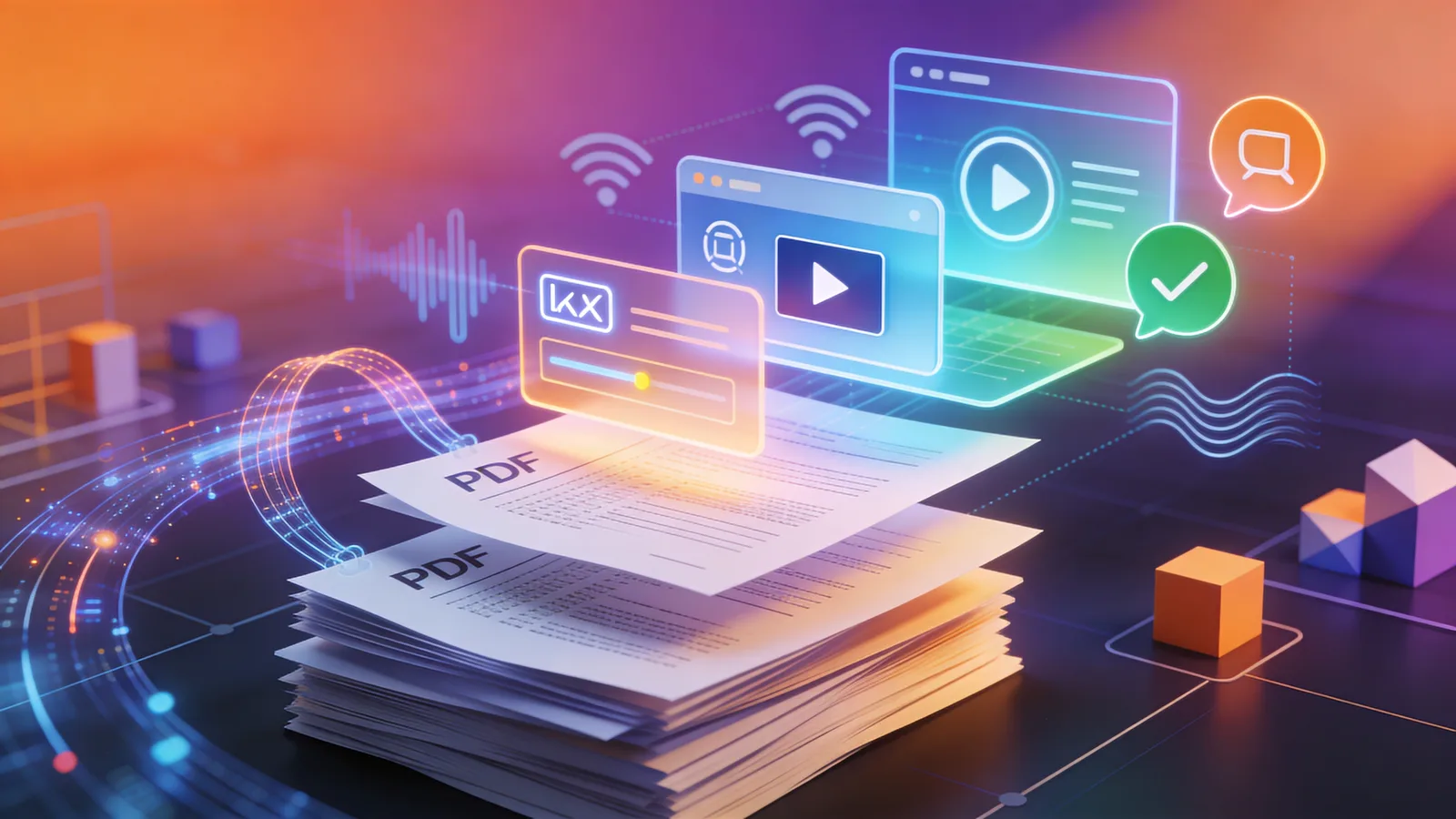
Here's what you can add to an existing training PDF when you convert it to a digital flipbook using Flipbooker's editor:
- Clickable table of contents so learners jump to their section
- Embedded video walkthroughs for procedures that are hard to explain in text
- Links to external resources like policies, forms, or reference documents
- Navigation buttons that guide people through a specific learning path
- Links to quizzes or assessments hosted on Google Forms, Typeform, or your LMS
- Contact links so learners can reach out to a trainer with questions
None of this requires rebuilding the content. You're layering interactivity on top of what already exists.
Step-by-Step: PDF to Interactive Module
Step 1: Audit Your Existing PDF
Open the PDF. Read it like a trainee would, not like the person who wrote it.
Ask yourself some honest questions. Where would someone's eyes glaze over? Which sections could use a video instead of three paragraphs of text? Where would a knowledge check help reinforce a key point? Is the document trying to cover too many topics at once?
Mark the spots where interactivity would help. A procedure that's hard to follow in text? Flag it for a video. A section with lots of external references? Flag it for clickable links. A critical compliance point? Flag it for a quiz question.
If the PDF is over 20 pages, seriously consider breaking it into smaller modules. Research on microlearning shows that modules under 10 minutes dramatically outperform longer formats in both completion rates and knowledge retention.
Step 2: Upload and Convert
Upload your PDF to Flipbooker. The converter turns every page into a high-quality image and creates a flipbook that opens instantly in any browser, on any device, no downloads required.
This step alone is an upgrade. Your training is now mobile-friendly, shareable via link, and trackable. But we're not stopping here.
Step 3: Add Video Where Text Falls Short
Some things are easier to show than explain. Equipment setup. Software walkthroughs. Physical procedures. Customer interactions.
For those sections, record a short video (2-3 minutes max) and embed it directly into the relevant page of your flipbook. The trainee reads the overview, watches the demonstration, then continues.
Jennifer Hofmann, a researcher at the Association for Talent Development, has argued that blended approaches combining reading with video and interaction produce stronger outcomes than any single format alone. The flipbook format makes this blending natural rather than forced.
You don't need professional production. A screen recording with narration works. A phone video of someone demonstrating a process works. Clarity beats polish.
Step 4: Build Navigation and Flow
A training module needs a path. Don't just throw 30 pages at someone and say "good luck."
Add a clickable table of contents on the first page. Each entry links to the start of that section, so learners can navigate directly to what they need. This matters for reference use after initial training, too, because people come back to these documents when they need a specific answer, and they shouldn't have to flip through everything to find it.
Within sections, add "Next" buttons that guide the learner forward. Add "Back to Contents" links so they can reorient themselves. This creates a structure that feels like a course instead of a document.
Step 5: Add Knowledge Checks
You don't need a full quiz engine built into your flipbook. You just need a way to check understanding at key moments.
The simplest approach: add a link to a short Google Form or Typeform quiz at the end of each section. Three to five questions. Multiple choice. Takes two minutes.
This does two things. It reinforces the learning, because answering questions forces recall, which strengthens memory. And it creates documentation, because you now have a record that someone didn't just open the training but actually engaged with the content enough to answer questions about it.
For compliance training, that documentation is worth its weight in gold.
Step 6: Set Up Tracking
This is where the real value shows up for L&D teams.
When you share your interactive training module as a flipbook link, analytics track:
- Who opened it and when
- How long they spent on each page
- Whether they reached the end
- Which pages they spent the most time on
- Which pages they skipped
That gives you a completion audit trail without needing a full LMS. For mandatory training, you can see exactly who hasn't finished. For optional training, you can see which sections are engaging and which need improvement.
How Is This Different from an LMS?
Fair question. A full Learning Management System handles course catalogs, enrollment, grading, certifications, SCORM compliance, reporting dashboards, and more. If you need all of that, you need an LMS.
But a lot of training doesn't need all of that. Onboarding a new hire with a 15-page guide? Distributing updated safety procedures to a team of 30? Training sales reps on a new product? These are situations where an LMS is overkill but an emailed PDF is underkill.
Interactive flipbooks sit in the middle. You get engagement features and tracking without the setup time, cost, or learning curve of an enterprise LMS.
What Results Should You Expect?
You won't turn a boring PDF into a viral sensation. But you will see measurable improvements.
Completion rates go up because the format is more engaging and the modules are easier to navigate. Time-on-page increases because there's video to watch and links to click instead of just text to skim. And you'll finally have data showing who actually did the training, which means your follow-up can be targeted instead of blanket.
The biggest shift is operational. Instead of sending a PDF and hoping for the best, you send a link and watch the data. Training managers who track completion can intervene early when someone falls behind, instead of discovering the gap three months later during an audit.
Quick Wins to Start With
Don't try to convert every training PDF at once. Pick one.
Choose the training module with the worst completion rate, or the one that gets the most complaints, or the one that has an upcoming compliance deadline. Convert that one first. Add a few videos, a clickable table of contents, and a quiz link at the end.
Share it. Watch the analytics. Compare the engagement to what you were getting before.
Then do the next one.
The PDFs already exist. The knowledge is already there. You're just making it accessible, trackable, and worth someone's time to actually finish.
FAQs
Do I need to rebuild my training materials from scratch?
No. The whole point is to start with what you have. Upload your existing PDF, then layer on interactive elements like links, videos, and navigation. You keep the content you already created and make it better.
What interactive elements can I add to a training PDF?
Clickable links to resources, embedded videos, navigation buttons between sections, external quiz links, clickable table of contents, and calls to action. The PDF becomes a launchpad, not a dead end.
How do I know if trainees actually completed the interactive module?
Analytics show who opened the module, how long they spent on each page, and whether they reached the end. This gives you a completion audit trail without requiring a full LMS.
Can I update training content without resending links?
Yes. When you update the flipbook, anyone who clicks the same link sees the new version. No re-distribution needed, which matters a lot when you have hundreds of employees using the same training link.
Is this a replacement for an LMS?
Not exactly. An LMS handles course enrollment, grading, certifications, and reporting across an organization. Interactive flipbooks are better for quick-deploy training that needs engagement and tracking but not the overhead of a full learning management system.