
 By:
By: Buyers Don't Want More Meetings
Your calendar is full. Their calendar is full. Finding 30 minutes that work for both of you takes a week of back-and-forth.
And when you finally meet? Half of it could have been an email. This isn't just a hunch. A 2025 Gartner survey of 632 B2B buyers found that 61% prefer a rep-free buying experience entirely. They want to research, evaluate, and consume content on their own schedule.
Async selling works with that preference instead of against it. You create content that sells without you being there. The buyer consumes it when they're ready. You follow up when they're engaged, not when you hope they're engaged.
What Is Async Selling?
Async (asynchronous) selling means communicating without requiring real-time participation.
Instead of: Schedule meeting → Present → Answer questions → Schedule follow-up Try: Send video + proposal → They watch when ready → You see their engagement → Follow up based on data
The core elements:
- Video messages - Personalized walkthroughs they can watch anytime
- Trackable proposals - Documents that tell you who viewed what
- Self-service resources - FAQs, case studies, pricing they can explore
- Strategic follow-up - Reaching out based on engagement data, not arbitrary timing
Why Buyers Respond to This
They Get to Skip the Parts They Don't Care About
Buyers are busy. They don't want to sit through your standard pitch when they only care about pricing and implementation.
Async lets them skip to what matters. Watch the 2-minute overview. Jump to the pricing page. Read the case study from their industry.
They get what they need faster. They feel respected.
Your Effort Multiplies
A live meeting takes 30 minutes plus prep time. You can only do so many per day.
A video walkthrough takes 10 minutes to record. Then it works forever. Send it to 100 prospects. Each one gets a personal-feeling experience. As Nick Feeney, VP of Revenue at Loom, told HubSpot: "Getting comfortable and confident recording async videos is one of the most impactful soft skills I recommend a new seller develop."
You Get Data Instead of Guesswork
Live meetings give you vibes. "I think they liked it."
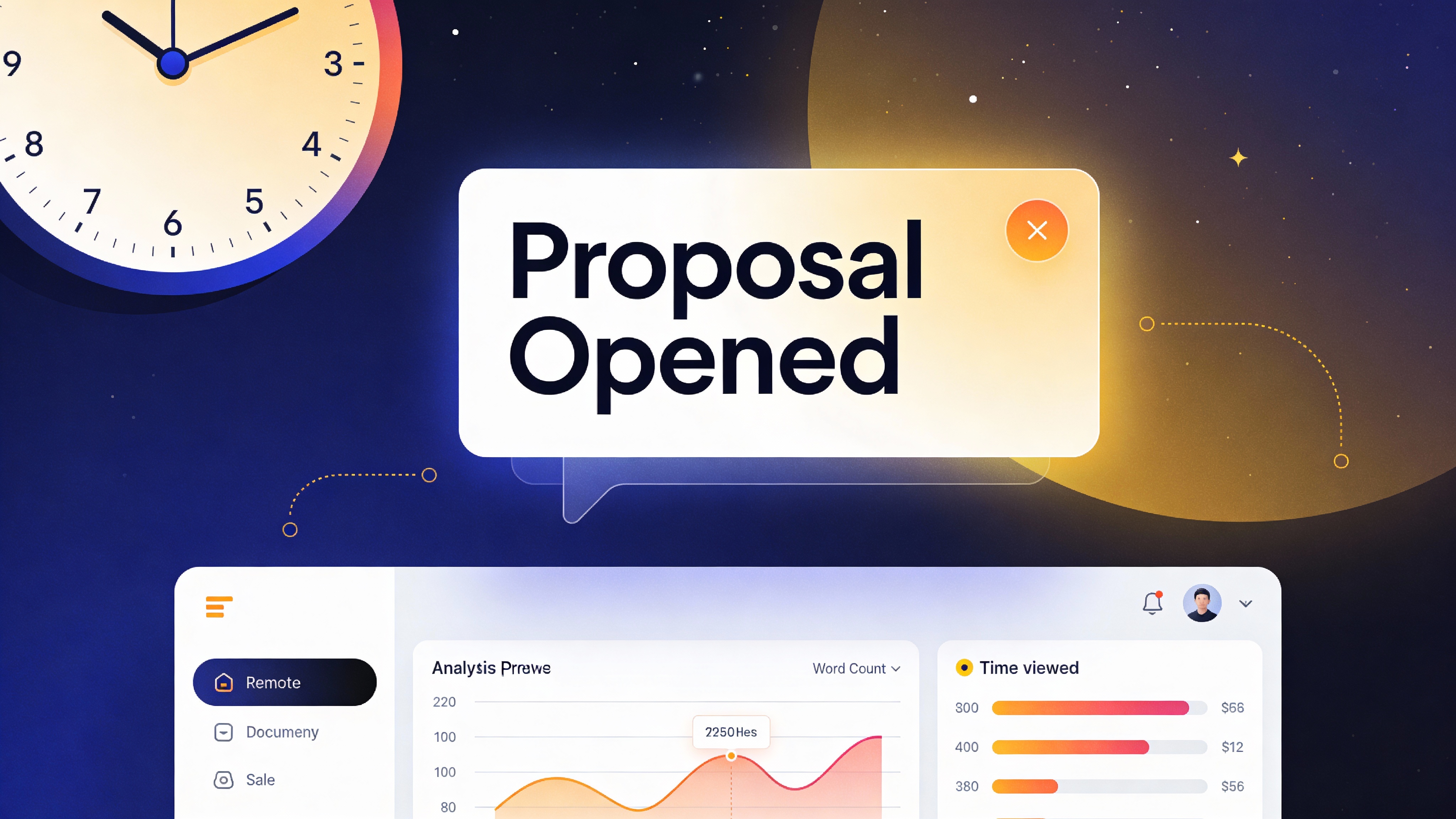
Tracked proposals give you facts. "They spent 8 minutes on the proposal, 4 minutes on pricing, and came back twice."
That's real data you can act on, not guesswork.
No More Calendar Ping-Pong
No more "What times work for you?" email chains.
"Here's a video walkthrough and our proposal. Watch when convenient. I'm here when you have questions."
Some deals move faster because you removed a week of scheduling delays. The data backs this up: Qwilr found that adding personalized video to their proposal workflow increased conversion rates from 28.6% to 37.9%, and Intercom reported a 19% jump in cold email reply rates after integrating personalized video into outreach.
Building an Async Proposal
Element 1: The Video Walkthrough
Record a personalized video introduction. 3-5 minutes max.
What to cover:
- Why you're reaching out (personalized to them)
- Quick overview of what's in the proposal
- Key points they should pay attention to
- What you want them to do next
Tools: Loom, Vidyard, or just screen recording with your face in the corner.
Pro tip: Say their name and company in the first 10 seconds. It signals "this isn't a mass email."
Element 2: The Trackable Proposal
Your proposal document should:
- Open instantly (no downloads)
- Look professional on mobile
- Track engagement at the page level
- Notify you when opened
Convert your proposal to a trackable flipbook. Send the link, not an attachment. Watch what happens.
Element 3: Supporting Resources
Include links to self-service content:
- Case studies relevant to their industry
- FAQ document
- Pricing breakdown
- Demo video or product tour
Let them go deeper without scheduling another meeting.
Element 4: Clear Next Steps
Don't leave them wondering. End with:
- "Reply to this email with questions"
- "Book a call if you'd like to discuss: calendar link"
- "Let me know when you'd like a demo"
The Tracking Advantage
Here's where async selling gets powerful.
Know When to Follow Up
Old way: Wait 3 days, send generic follow-up, hope for the best.
Async way: Get notified when they open. Wait to see engagement. Follow up within 24 hours if they spent real time with it.
A buyer who spent 15 minutes on your proposal yesterday is warm. A buyer who hasn't opened it isn't ready.
Know What They Care About
Which pages did they spend time on?
- Heavy time on pricing → Ready to talk numbers
- Heavy time on case studies → Needs social proof
- Heavy time on technical specs → Involve your technical team
- Skipped implementation details → Not worried about that
Your follow-up can address what actually matters to them.
Know Who Else Is Involved
Did the original recipient forward to colleagues?
Suddenly you know the CFO is reviewing. Or the technical lead. Your follow-up can acknowledge the committee and provide resources for each stakeholder.
When Async Works vs When You Need a Meeting
Async isn't always better. Here's when to use each.
Async Works Great For:
- Initial outreach - Introduce yourself without scheduling hassle
- Proposal delivery - They can review on their time
- Follow-up information - Sending additional resources
- Simple Q&A - Answering straightforward questions
- Re-engagement - Reaching out to cold leads
Schedule a Meeting When:
- Complex negotiations - Real-time back-and-forth is faster
- Relationship building - Some conversations need face time
- Technical deep dives - Questions lead to more questions
- Contract finalization - Legal and procurement often need live discussion
- High-stakes situations - Big deals deserve personal attention
The Hybrid Approach
Best sellers use both.
Initial outreach: Async video + proposal First meeting: Live call for questions and relationship Proposal delivery: Async with tracking Negotiations: Live meetings Follow-up: Async updates and resources
Let the situation dictate the format.
Tools for Async Selling
Video Tools
- Loom - Quick recordings with screen share
- Vidyard - Sales-focused with tracking
- Screencastify - Simple Chrome extension
Trackable Documents
- Flipbooker - Proposals with page-level analytics
- DocSend - PDF tracking
- PandaDoc - Proposals with e-signatures
Scheduling
- Calendly - Let them book when it works
- Chilipiper - Advanced routing for teams
- HubSpot Meetings - CRM-integrated scheduling
CRM Integration
Connect your tools so engagement data flows to contact records. When you see the deal in your CRM, you see their engagement history.
Getting Started
Week 1: Record Your First Videos
Pick 3 prospects. Record personalized video introductions. 3 minutes each.
Don't overthink it. Authentic beats polished.
Week 2: Convert Proposals to Trackable Format
Take a proposal you'd normally attach as PDF. Upload to Flipbooker. Send as a link instead.
Watch what happens. See the engagement data.
Week 3: Adjust Follow-Up Timing
Wait for engagement signals before following up.
Opened and spent time? Follow up same day. Opened briefly? Give it another day. Haven't opened? Check if the email was even received.
Week 4: Refine Based on Data
What pages are people skipping? Maybe cut them. What pages get the most attention? Maybe expand them. What questions still come up? Maybe add a FAQ page.
Your async content improves based on real data.
The Real Test
Async selling isn't about avoiding your buyer. It's about respecting their time and making your follow-up smarter. The reps who do this well don't send fewer messages. They send better ones, timed to when the buyer is actually paying attention.
Pick one prospect this week. Record a 3-minute video. Send a trackable proposal instead of a PDF attachment. See what happens. The engagement data alone will change how you think about follow-up.
For more on trackable proposals, see our sales proposals guide or explore analytics features.
Learn how sales teams use Flipbooker at /for/sales-teams.
FAQs
How long should an async sales video be?
3-5 minutes for an initial outreach or proposal walkthrough. Say the prospect's name and company in the first 10 seconds so they know it's not a mass blast. Authentic beats polished.
Does async selling work for enterprise deals?
Especially in early stages. Enterprise buyers are even busier than SMB. Use async for awareness, initial proposals, and follow-up resources. Save live meetings for negotiations and technical deep dives.
What tools do I need to start async selling?
A screen recording tool (Loom or Vidyard), a trackable proposal platform (Flipbooker, DocSend, or PandaDoc), and a scheduling link (Calendly or HubSpot Meetings). Start simple and add integrations as needed.
Won't buyers feel ignored without a live meeting?
The opposite. Sending a personalized video and trackable proposal respects their time. Buyers can review on their schedule and come back with focused questions, making the eventual live meeting far more productive.
How do I know when to follow up on an async proposal?
Let engagement data guide you. If someone spent 15 minutes on your proposal yesterday and lingered on pricing, they're warm — follow up that day. If they haven't opened it after a week, check whether the email even landed.